

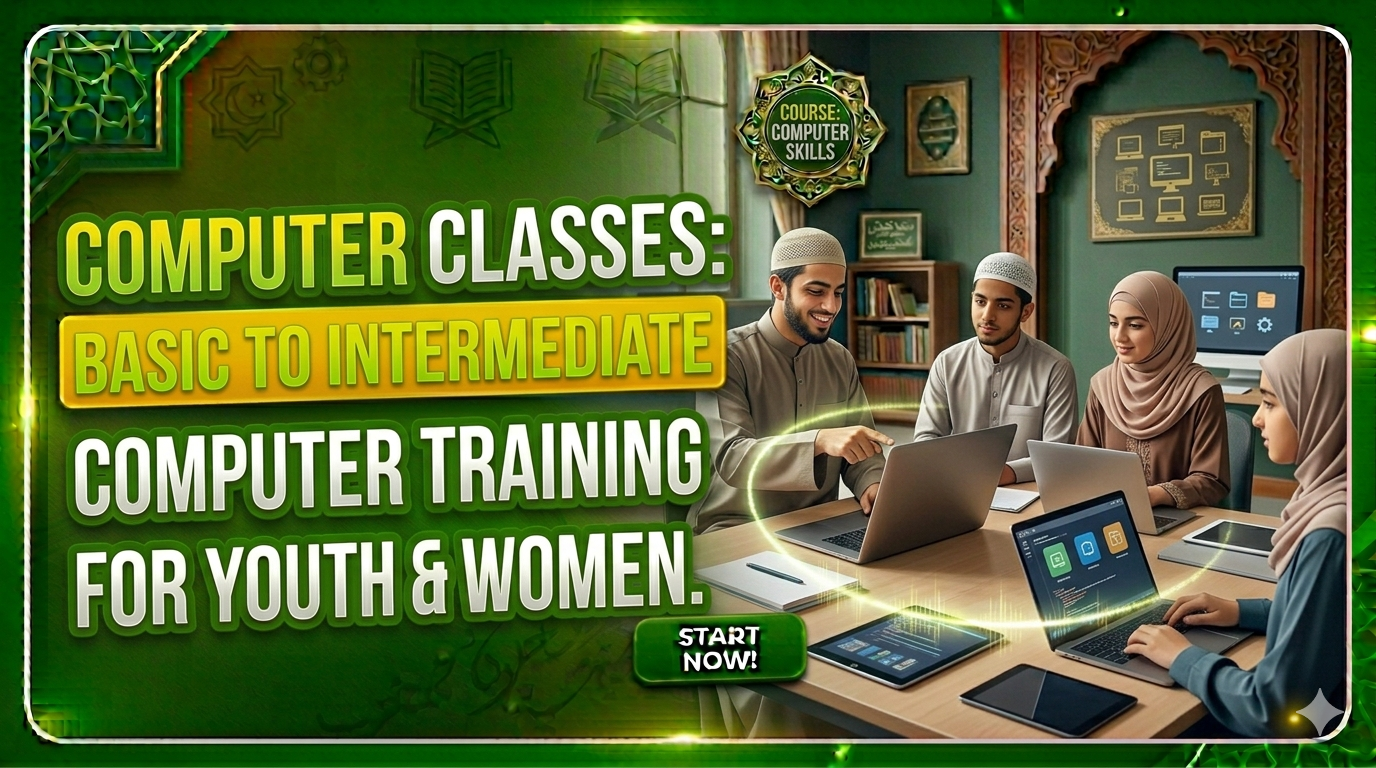
About Course
This course is designed to introduce learners to computers from the foundational level and gradually build their skills toward practical, job-oriented computer usage. Whether someone is completely new to computers or wants to improve their confidence in using digital tools, this course will help them become digitally empowered.
The training ensures every learner gains hands-on experience with computer systems, MS Office, typing skills, and basic internet operations – all essential for modern-day education, home-based work, and employment opportunities.
Course Content
Introduction to Computers
Operating System Basics (Windows)
Microsoft Word (Basic to Intermediate)
Microsoft Excel (Basics)
Microsoft PowerPoint
Internet & Digital Literacy
Email Skills
Google Workspace (Basic Introduction)
Typing & Practical Skills
Digital Applications for Daily Use
Student Ratings & Reviews

No Review Yet